
The QR Code for Your PPWR Packaging Manufacturer Details
Do you need a QR code for packaging manufacturer details under the PPWR? Create and manage your QR codes now in just a few minutes.
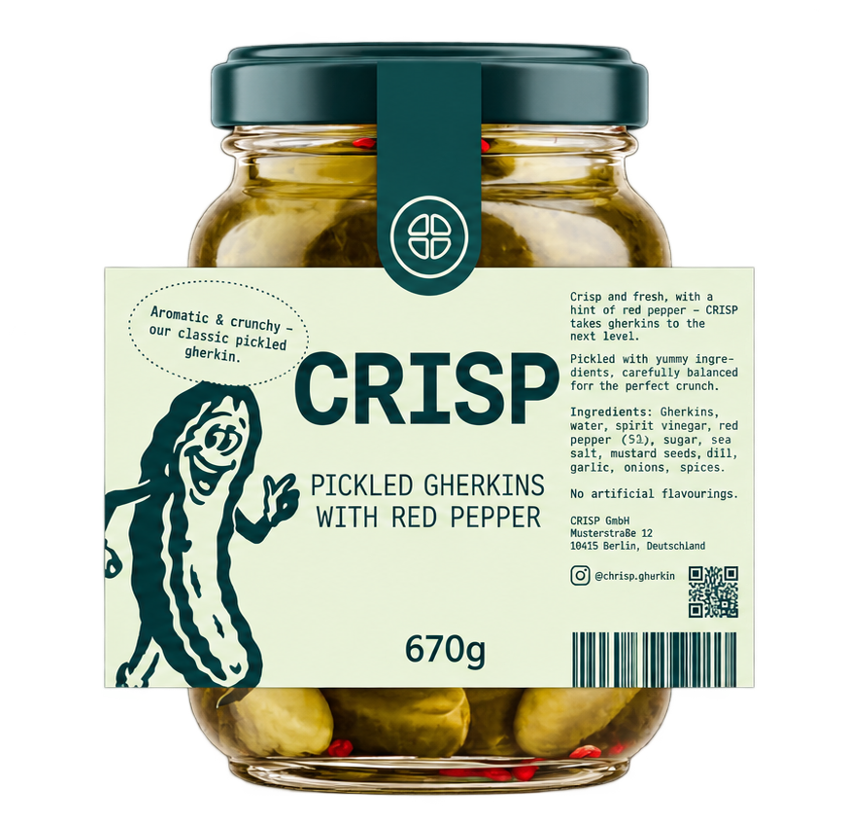
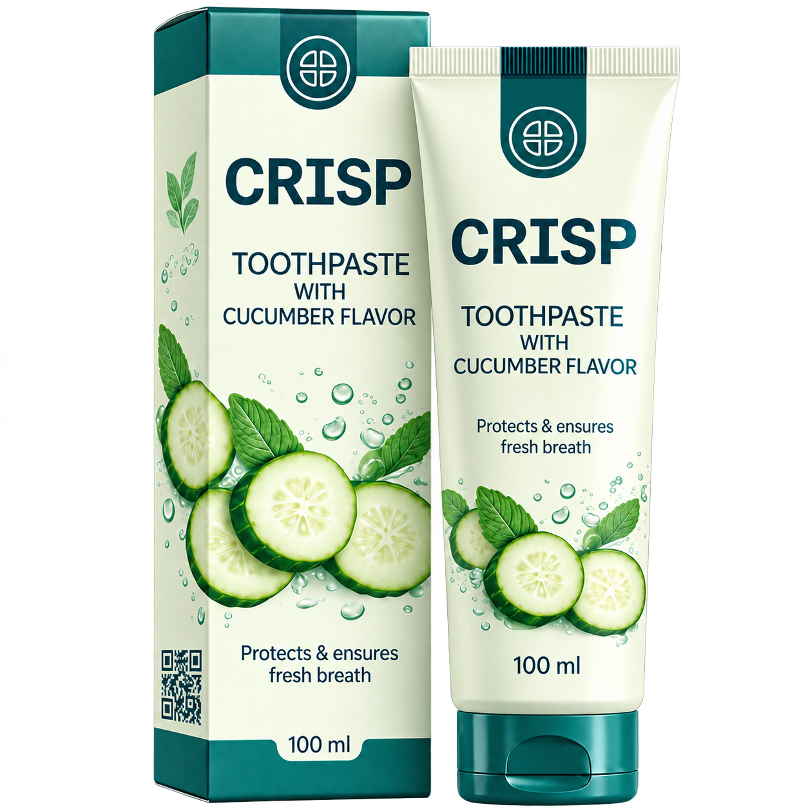
Are these your reasons for creating a QR code? Then you are in the right place.
- 1
You want to state several packaging manufacturers of different packaging components via a QR code.
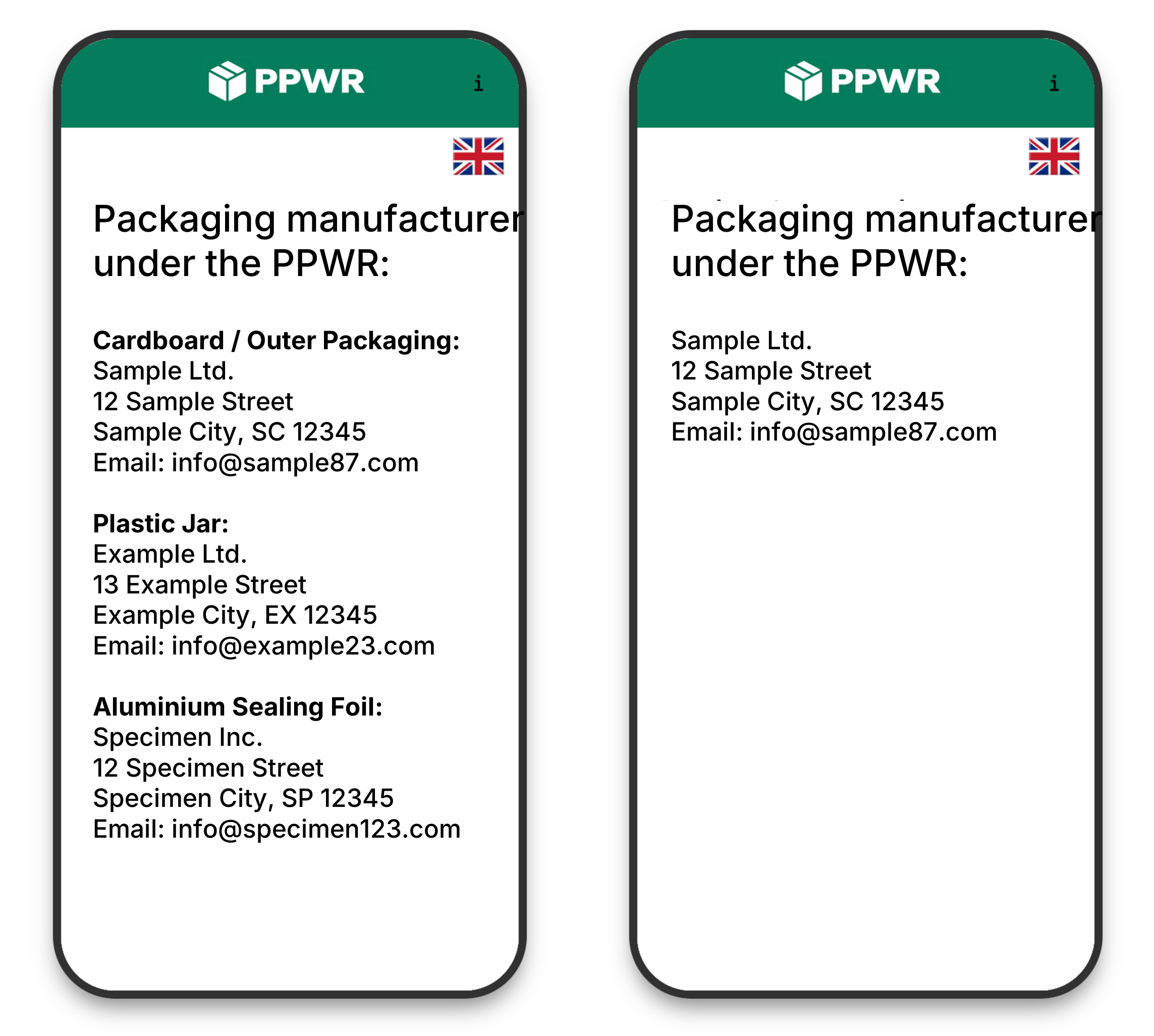
Your packaging components come from different manufacturers – bottle, closure, label and carton, for example. If you now want to state all packaging manufacturers listed by component in the QR code, you can easily implement this here. This option is particularly interesting for micro-enterprises.
- 2
You want to state a single packaging manufacturer via a QR code.
Even with just one manufacturer a QR code can make sense: name, address and material details take up a lot of room on small labels. Via the code they stay fully accessible without being printed.
What the Presentation of Packaging Manufacturers Looks Like in Practice
Packaging manufacturers are listed clearly on the smartphone after scanning the QR code.
The display language follows the smartphone's settings automatically and can additionally be selected manually.
Translations are managed directly in the software and can be adjusted individually.
Durably reachable
The target page remains permanently available under the same address for the duration of your subscription, ensuring the printed code never leads nowhere.
Without cookies or tracking
The page reached via the QR code operates without cookies, without ad trackers and without user profiling.
Details editable afterwards
If a packaging manufacturer changes, you edit the entry online. The printed QR code remains unchanged; printed packaging does not need to be replaced.
This Is How Easily You Create Your QR Code
Enter your details and manage them clearly in one place.
- 1
Enter packaging manufacturers
You enter your packaging manufacturers and assign them to a packaging component if applicable.
- 2
Receive your QR code
You download the QR code as a print-ready vector file. If a manufacturer changes, you adjust the digital information without changing the printed QR code.
Not sure whether you need the QR code?
Get in touch. We will talk it through with you and refer you to our competent partners for swift legal advice.
We do not provide legal advice ourselves and do not make a legal assessment of your individual case.
Try our software free for 2 weeks
Enter your packaging manufacturers and create your QR code – no payment details and no automatic renewal.
Pricing
Transparent pricing with no hidden costs: you only pay for the number of active QR codes you need.
Free
Try the software for 2 weeks
€0for 2 weeks
Starter
1 QR code
€90per year
Bronze
5 QR codes
€130per year
Silver
20 QR codes
€210per year
Gold
50 QR codes
€380per year
Platinum
100 QR codes
€680per year
Enterprise
200 QR codes
€980per year
Unlimited
Any number of QR codes
€1,390per year
Are you an agency or print shop?
Do you need to manage multiple brand profiles with custom logos, separate client workspaces and dedicated access? Contact us for tailored agency and enterprise solutions.
Who is behind ppwr-qr.com
We are IMERO: experts in the digitalisation of product labelling and its processes. Alongside ppwr-qr.com we run two further successful platforms:

On E-Label.eu, we provide electronic wine labelling for thousands of winemakers and businesses around the world. Winemakers can enter the nutritional information, ingredients and allergens there and make them available via a QR code on the back label. Those using E-Label.eu can also include the packaging producer's details in the same QR code.

On imero.io we bring together label review and translation for food and cosmetics: companies have their labelling reviewed there and translated into other languages.
IMERO is trusted by:



Common Questions about the QR Code
What exactly do consumers see when they scan the QR code?
In which format do I receive the QR code?
What happens if I switch a packaging manufacturer?
Do I need a separate QR code for every product?
Is consumer data collected when the code is scanned?
Contact
Do you have a question about the QR code or about pricing? Write to us – we answer personally.
Prefer a personal conversation or have an urgent question?